
Twin Falls County Court Dockets Defined
A court docket is the running schedule and event record for a case. In Twin Falls County, dockets may show hearing dates, hearing types, case numbers, parties, judicial officers, courtroom assignments, and event entries. They help show what is coming next, what has already been set, and whether a case is moving through magistrate or district court.
A docket is narrower than a full case record. The full record may include complaints, answers, motions, affidavits, filed briefs, orders, findings, judgments, and sentencing documents. The docket is the index and calendar trail. For a document copy, the Idaho Judicial Branch directs users to a courthouse kiosk or to the clerk where the case was filed.
The Idaho Court Administrative Rules source is relevant because ICAR 32 controls public access to judicial records, including when docket entries or connected filings may be restricted.
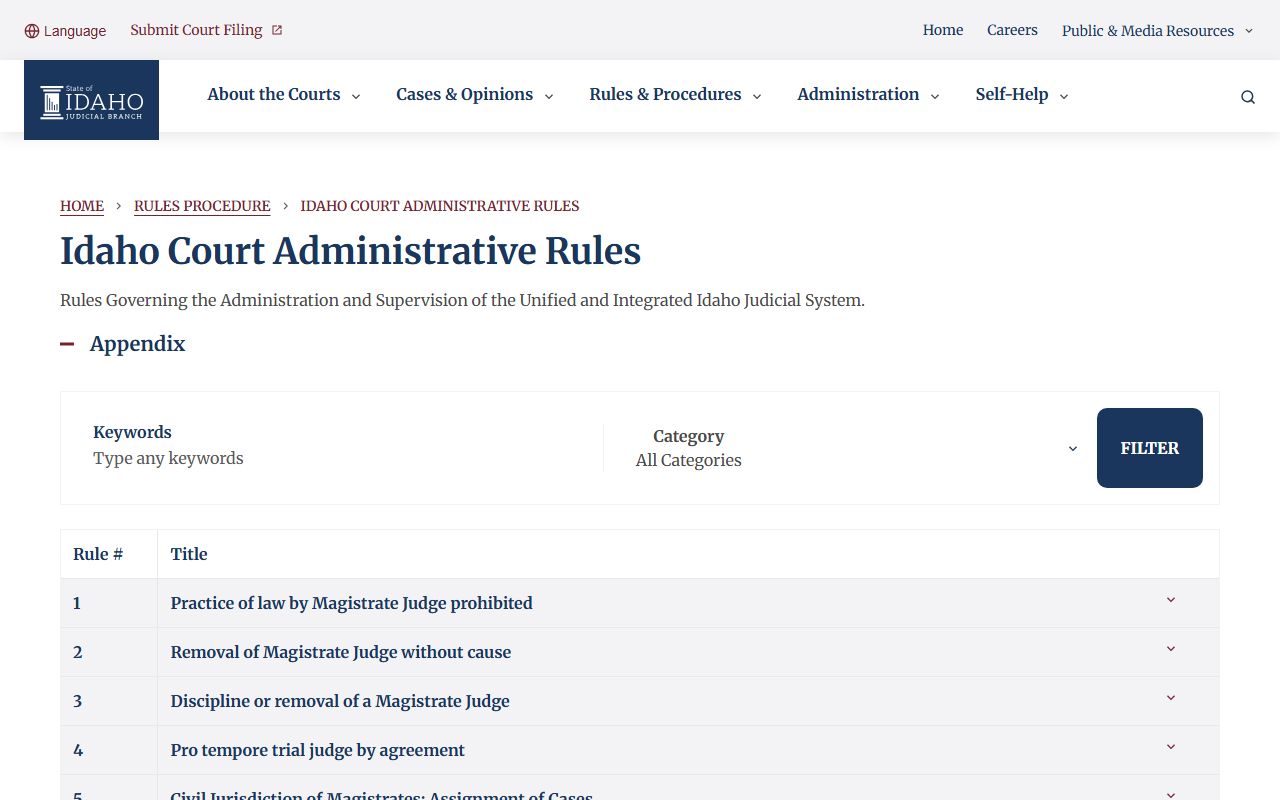
That rule framework explains why a hearing may appear publicly while a related filing, sealed event, or protected identifier is withheld.
Search Twin Falls County Hearing Dockets
The iCourt Search Hearings tool is the main public calendar search for Twin Falls County court dockets. It is different from Smart Search. Smart Search focuses on case records and party indexes, while Search Hearings focuses on scheduled court events. A user can search by case number, party name, business name, attorney name, attorney bar number, judicial officer, or courtroom.
- Open the Idaho iCourt hearing search from the public portal.
- Select Twin Falls County as the hearing location.
- Choose the hearing type, such as Civil, Criminal, Family, Probate or Mental Health, or All Hearing Types.
- Select the search type, such as case number, party name, attorney, judicial officer, or courtroom.
- Enter the date range and search criteria, then compare the result to the case record if more context is needed.
Hearing searches are sensitive to date range and spelling. If a party name is uncertain, use the available Sounds Like option where it fits. If a case appears in Smart Search but no hearing appears, the case may have no future setting, the hearing may be outside the date range, or the setting may have changed.
Twin Falls County Docket Search Fields
The hearing search field set gives a cleaner docket lookup than a broad case search. It is especially useful for people checking a misdemeanor appearance, a traffic contest date, a probate hearing, or a family-court setting. The research source captured these fields from the public hearing dashboard.
| Field Label | Type | Required | Options / Format Notes |
|---|---|---|---|
| Select Location | Dropdown | Yes | Includes all Idaho counties, including Twin Falls County. |
| Select Hearing Types | Dropdown | Yes | All Hearing Types, Civil, Criminal, Family, Probate or Mental Health. |
| Select Search Types | Dropdown | Yes | Case Number, Party Name, Business Name, Attorney Name, Attorney Bar Number, Judicial Officer, Courtroom. |
| Sounds Like | Checkbox | No | Name-style search aid for uncertain spellings. |
| Last Name / First Name | Text | Conditional | Used for party-name searches. |
| Judicial Officer | Dropdown | Conditional | Searches by judge or court officer when known. |
| Courtroom | Dropdown | Conditional | Searches by courtroom or location assignment. |
| Date From / Date To | Date | Conditional | Limits the hearing calendar range. |
Twin Falls County Court Docket Sources
Twin Falls County sits in Idaho's Fifth Judicial District. The District Court and its Magistrate Division share the local trial-court structure. District judges hear felonies, larger civil cases, post-conviction matters, and appeals from magistrate decisions. Magistrate judges hear misdemeanors, infractions, small claims, probate, domestic relations, juvenile matters, and felony preliminary hearings.
The Fifth Judicial District jurisdiction page explains the magistrate and district split that shapes Twin Falls County docket searches.
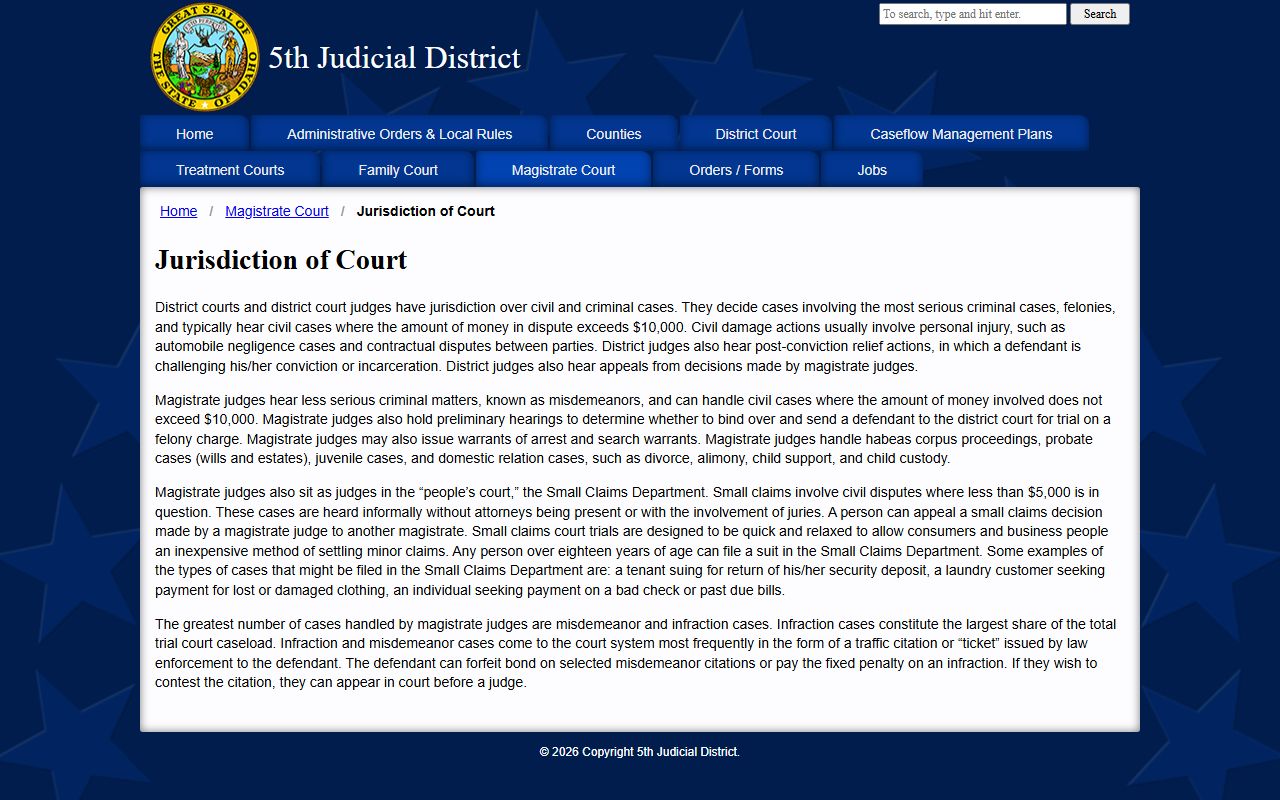
That structure is why a felony can begin with magistrate-level preliminary events before moving to district court for later felony proceedings.
| Court or source | Docket use |
|---|---|
| District Court | Felonies, larger civil cases, appeals from magistrate decisions, post-conviction matters. |
| Magistrate Division | Misdemeanors, infractions, small claims, probate, family, juvenile, warrants, and preliminary felony hearings. |
| iCourt Search Hearings | Public court calendars by location, hearing type, party, case number, attorney, judge, or courtroom. |
| Clerk or courthouse kiosk | Case records and documents that are not fully shown in the public online docket. |
| Sheriff daily arraignment PDF | Arrest-related daily arraignment information that may help cross-check first appearances. |
Twin Falls County Criminal Dockets
Criminal dockets start with the court process, not just the arrest. The Fifth Judicial District criminal guide explains that a case usually begins with a complaint based on police investigation or citizen accusation. The court may issue a warrant or summons, then the case moves through first appearance, arraignment, preliminary hearing where required, plea, trial, disposition, and sentencing.
The Fifth Judicial District criminal case process page is the local source for how complaint, warrant or summons, arraignment, preliminary hearing, presentence report, and sentencing events appear in criminal case flow.
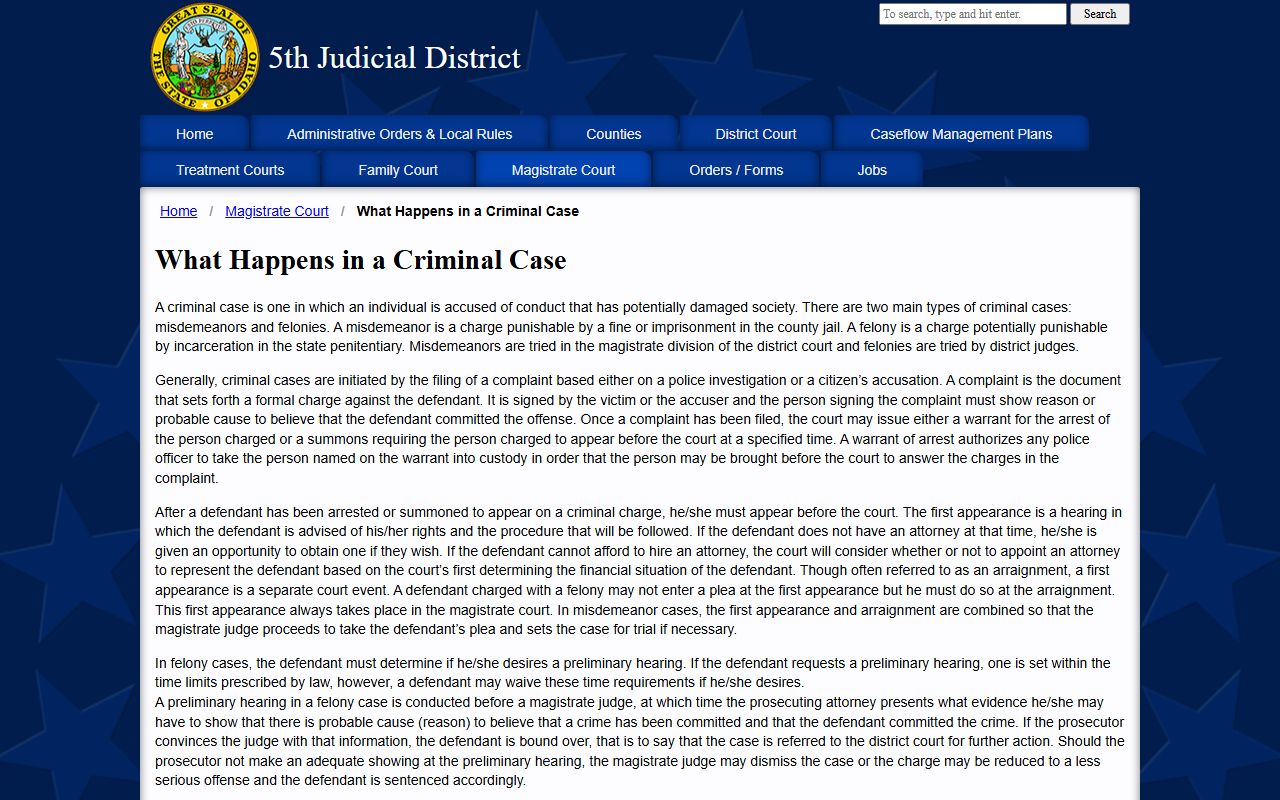
Those stages become docket entries, and the exact entry language may vary by case type, plea, hearing result, or judge order.
Sample Twin Falls County Docket Fields
The research file did not capture a live sample docket entry from a named case, but it did identify the public fields that appear in court and hearing searches. Those fields are enough to explain how a docket should be read. A docket entry should be treated as a case-management event unless a linked order or judgment says more.
| Field | What It Shows |
|---|---|
| Case number | The tracking number used to connect hearings, payment records, filings, and clerk requests. |
| Party name | The person, business, defendant, plaintiff, petitioner, or respondent tied to the docket. |
| Hearing type | The calendar category, such as criminal, civil, family, probate, mental health, or traffic-related setting. |
| Date range | The search window that determines which hearings appear. |
| Judicial officer | The judge or officer assigned to the hearing or case event. |
| Courtroom | The courtroom or court location listed for the setting. |
| Case status | The broad case stage, such as open, closed, pending, or disposed when displayed through case search. |
| Event or disposition | The short docket text showing what happened or what was ordered, when public. |
Twin Falls County Misdemeanor Dockets
Misdemeanor and infraction dockets are high-volume magistrate matters. The Fifth Judicial District misdemeanor guide says defendants should arrive early, check in with the magistrate court clerk, and expect several matters to be set for the same time. It also warns that failure to appear for an initial appearance can result in a separate failure-to-appear misdemeanor and a warrant.
The Fifth Judicial District misdemeanor guide supplies the local appearance and failure-to-appear context for Twin Falls County misdemeanor docket settings.
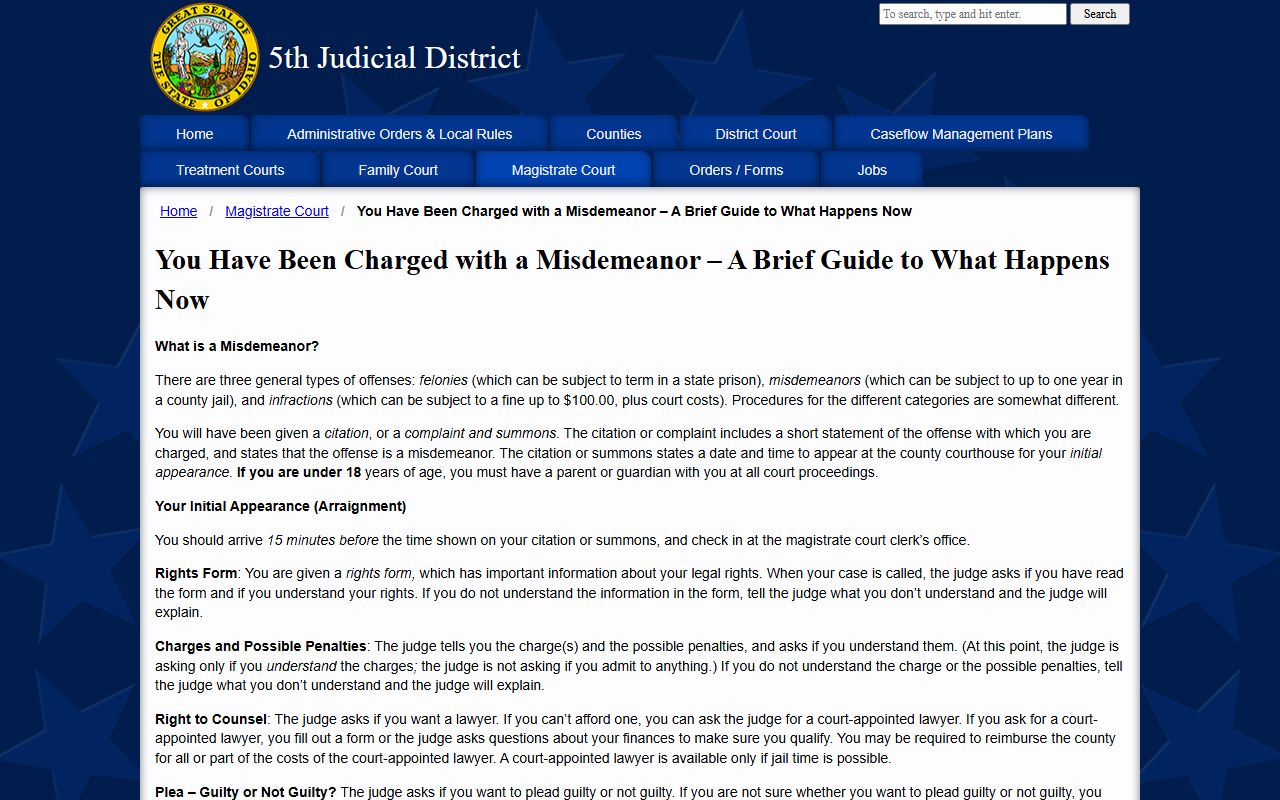
That guidance helps explain why a docket can show many defendants at the same time and why courtroom delays are common.
The Fifth Judicial District infraction guide explains traffic-infraction court trials, fixed penalties, payment, default, suspension, defenses, and appeal.
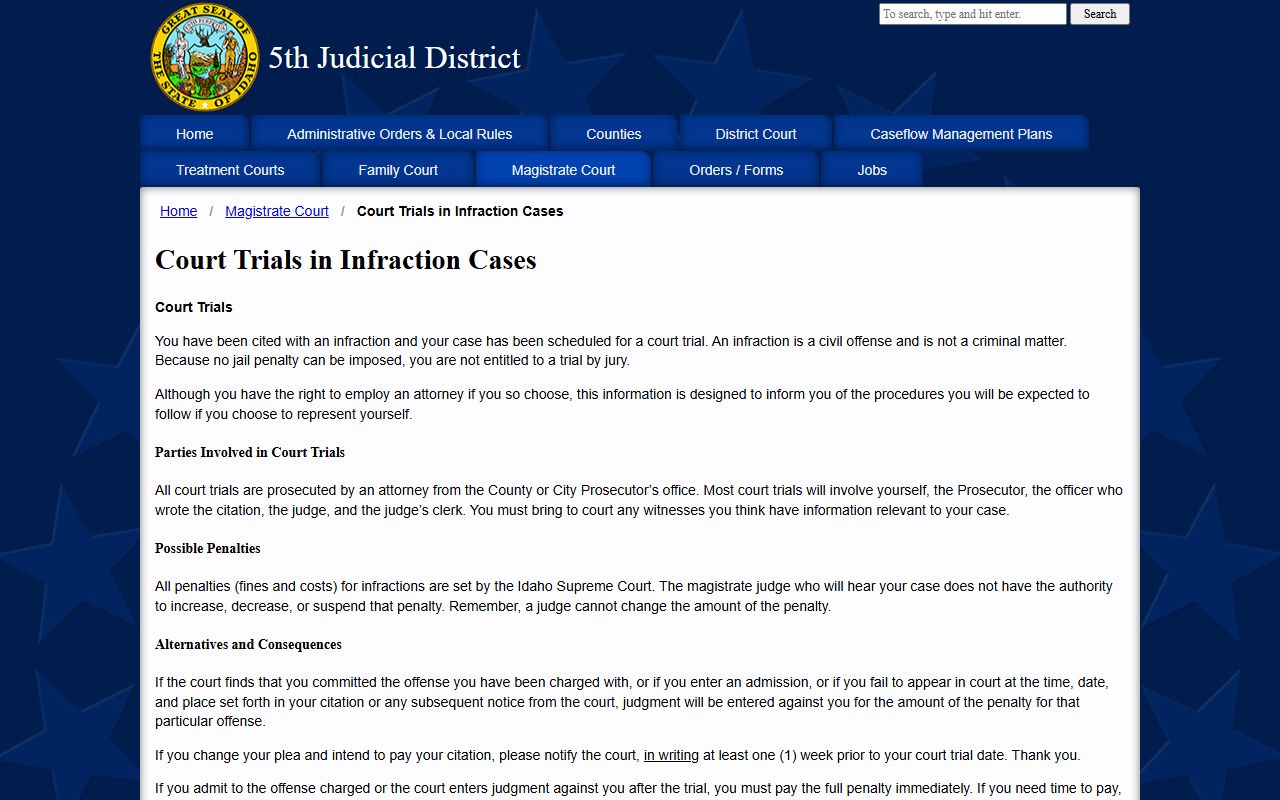
Infraction docket entries should be read with that fixed-penalty context in mind because the judge cannot change the penalty set by the Idaho Supreme Court schedule.
Twin Falls County Dockets vs Case Records
Dockets are best for timing and movement. Case records are best for substance. A docket may say that a motion was filed, a plea was entered, or sentencing was set. The motion, plea agreement, order, judgment, or sentence may require a clerk request or kiosk review, and some filings may be restricted under ICAR 32.
| Point | Docket | Full Case Record |
|---|---|---|
| Purpose | Tracks hearings and case events. | Contains filings, orders, judgments, and other case documents. |
| Public search | Often available through iCourt Search Hearings or Smart Search. | May require kiosk access or a clerk request. |
| Best use | Confirm dates, courtroom, judge, and next setting. | Read pleadings, judgments, sentences, and official documents. |
| Limits | May omit sealed events or restricted detail. | May include restricted, redacted, or nonpublic material. |
When Twin Falls County Dockets Change
Court calendars can change because a case settles, a plea is entered, a motion is continued, a party fails to appear, an urgent matter takes priority, or a judge changes a setting. The sheriff's daily arraignment PDF can help with arrest-related first appearances, but the sheriff page warns those lists are subject to court changes and may not reflect later court updates.
For the most reliable status, compare iCourt Search Hearings, Smart Search, and direct clerk contact when a hearing is close in time. If the matter involves a warrant, sealed case, juvenile matter, protection order, or mental health proceeding, public docket detail may be limited by law or court order.
Note: A hearing search result is a scheduling aid, not a guarantee that a hearing will proceed unchanged.